Prerequisites
- Create an Axiom account.
- Create a dataset in Axiom where you send your data.
- Send data to your Axiom dataset.
- Create an empty dashboard.
Create
- Go to the Dashboards tab and open the dashboard to which you want to add the .
- Click Add element in the top right corner.
- Click from the list.
- Choose one of the following:
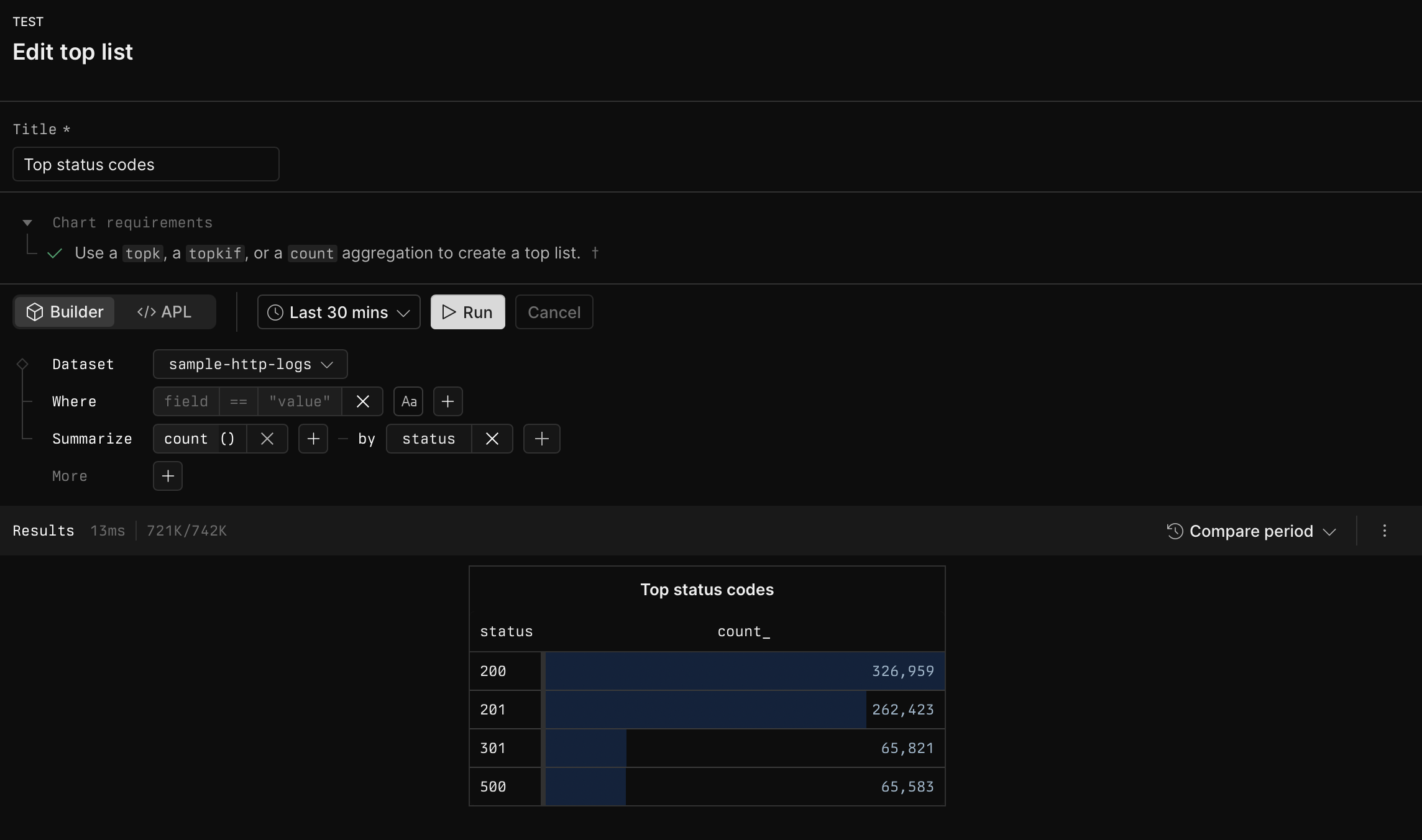
- Click Builder to create your chart using a visual query builder. For more information, see Create chart using visual query builder.
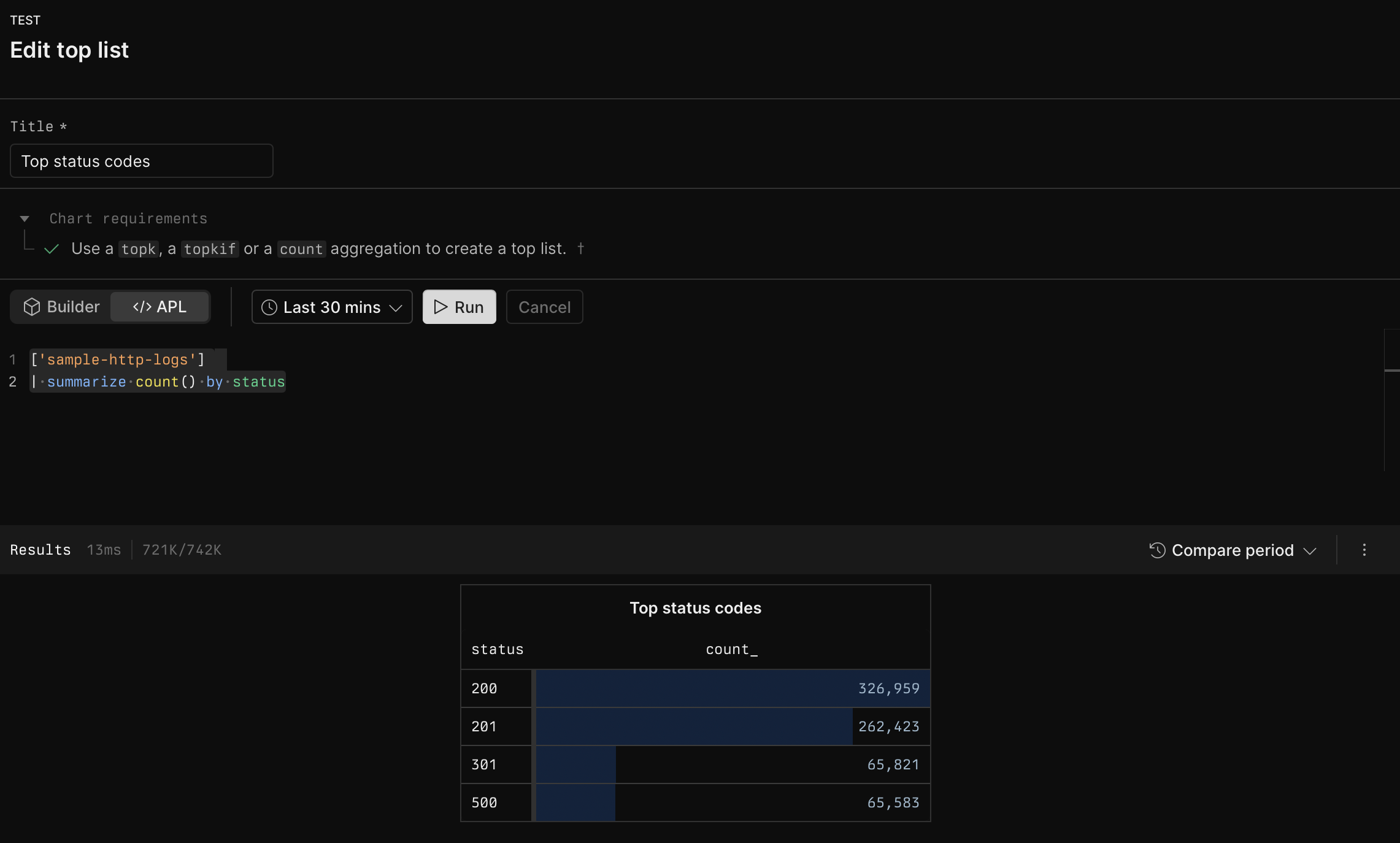
- Click APL to create your chart using the Axiom Processing Language (APL). Create a chart in the same way you create a chart in the Editor of the Query tab.
- Optional: Configure the dashboard element.
- Click Save.
Example with Builder
Example with APL